How to Reach Inbox Zero with Physical Mail (Without Scanning Everything)

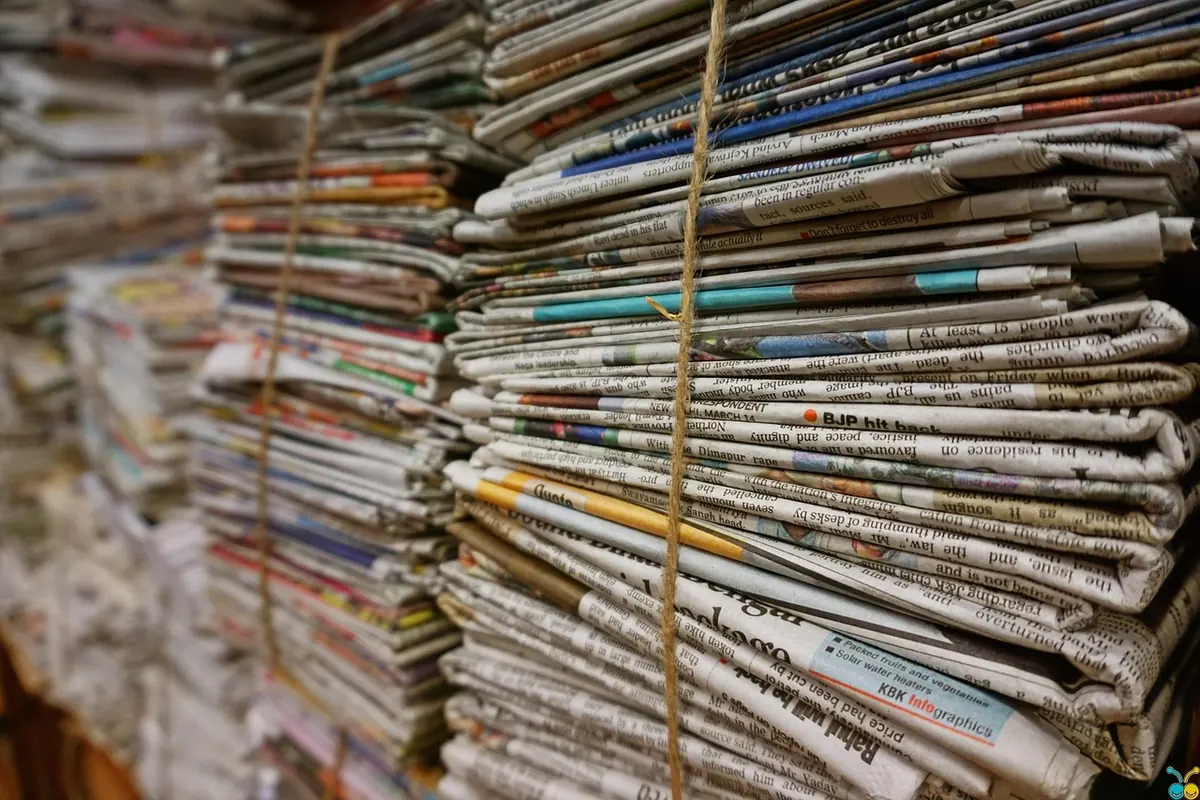
There is a stack of mail on your kitchen counter right now. Maybe it's three envelopes and a takeout menu. Maybe it's a leaning tower with a birthday card somewhere near the bottom and a bill you're not sure you opened. You will deal with it later. You always deal with it later.
Paper mail doesn't behave like email. It arrives in a mixed pile, with no archive button and no search bar. But the habit behind inbox zero — process what arrives, decide once, put it somewhere intentional — transfers to paper almost perfectly. The goal isn't an empty counter forever. The goal is a counter with nothing undecided on it.
Why Paper Piles Up Faster Than Email
Email waits quietly on a server until you ask for it. Paper sits in your line of sight and nags. That should be an advantage, and it is — until the nagging becomes background noise. After a week or two, the stack stops reading as a set of tasks and starts reading as furniture.
Mail also arrives pre-mixed. One delivery can hold a tax form, a coupon you'll never use, a wedding invitation, and a credit card offer designed to look like a statement. Sorting that into "important" and "junk" takes seconds. Deciding what each important piece actually needs from you is the slow part, and it's the part most of us skip. So the paper stays, undecided, and every glance at it costs a little attention.
Run a Ten-Minute Mail Pass Every Day
Choose a fixed moment — when you walk in the door, or right after dinner — and process the day's mail standing up, near a recycling bin and a shredder. Ten minutes is the ceiling, not the target.
- Open everything except obvious junk. If a piece looks like a scam or an unsolicited credit offer, shred it whole. Don't open it, and don't read it "just to check."
- Shred anything with your account number, signature, or identifying details before recycling the rest. Envelopes and inserts usually go straight in the bin.
- Make one decision per item: act, file, hand off, or discard. "Decide later" isn't on the list.
- Put action items in one Action folder, not on the corner of the desk where they'll merge back into a pile.
- Write deadlines in pencil on the corner of anything with a due date, then note the date in your calendar or phone reminders.
That last habit does more work than it looks like. A bill in a folder is easy to forget. A bill in a folder with "due 14th" penciled on it, plus a reminder on your phone for the 10th, is nearly impossible to miss.
Four Folders, Not Twenty
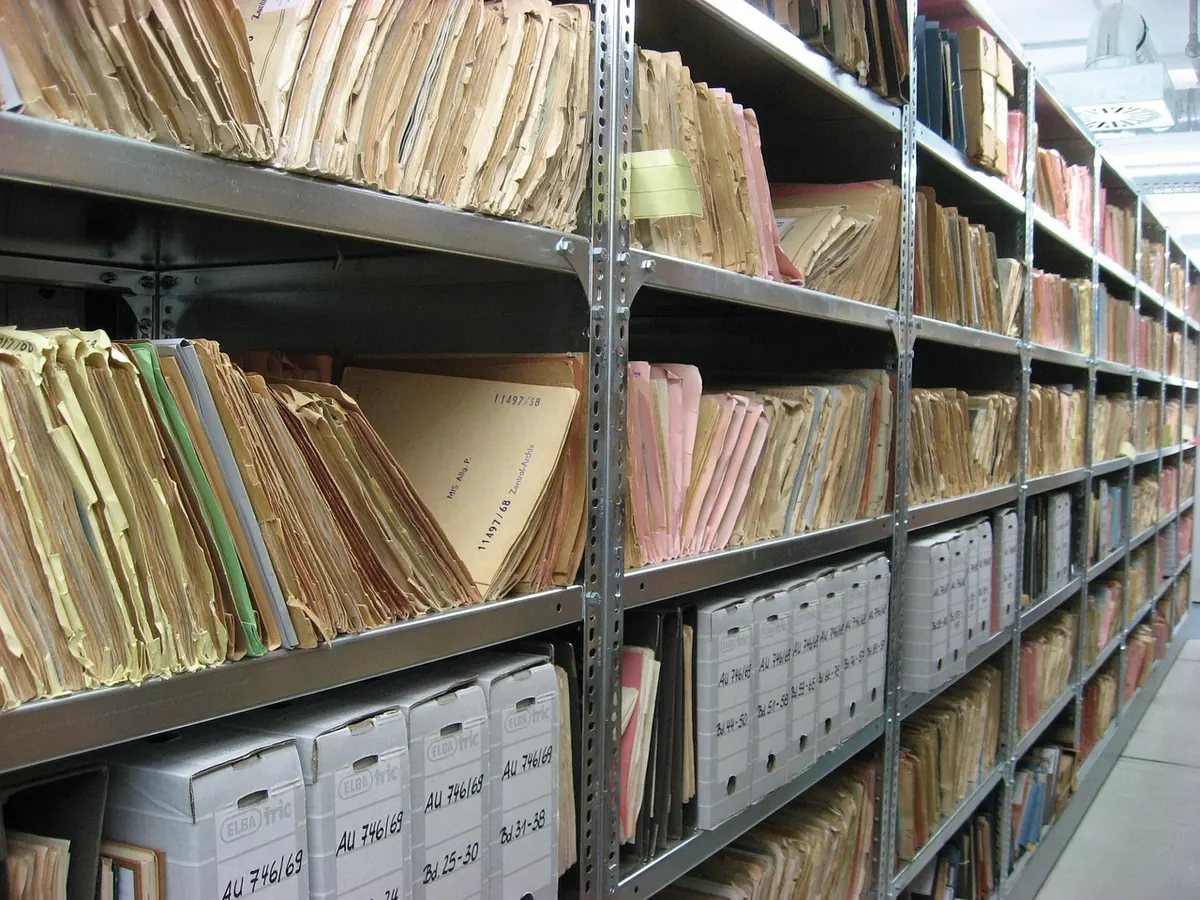
Most home paper systems fail because they're too fine-grained. You don't need a folder for utilities, another for insurance, and another for the car. You need four places, each with a clear meaning:
- Action — things that need you this week: a form to sign, a bill to pay, an RSVP to send.
- Waiting — things you've paid, sent, or requested and are expecting a response on. Pencil in the date you sent it.
- Reference — current records you might need within the year: policy documents, warranty information, recent statements you're keeping for taxes.
- Archive — a lidded box in a closet for long-term retention: past tax years, closed accounts, property records.
If a folder needs subfolders, the paper probably belongs in the archive box instead.
Keep a cap on Action. If more than a dozen items are sitting in it, that isn't an action folder anymore — it's a project list, and it will start to feel as heavy as the pile you just cleared.
You Don't Need to Scan Everything
Scanning feels productive, which is exactly why it becomes a trap. You handle the paper, then handle it again as a file, then still need a naming system so the PDF is findable. Done selectively, scanning is excellent. Done as a default, it doubles your work.
Scan when the document needs to be submitted electronically, might need to be disputed later, would be expensive or slow to replace, or becomes genuinely more useful as a searchable file — receipts behind a warranty claim, for example.
Keep paper when it's an original with a signature or seal, when the issuer requires a physical copy, when you'd want it during a power outage or an emergency, or when it's sentimental. Retention rules vary by document type and country, so if you're unsure how long to keep tax or legal paperwork, check with the issuing agency or a qualified professional rather than guessing.
A Clear Surface, Not a Clean One
A clear desk policy usually means nothing stays on the work surface overnight that hasn't been decided. Applied at home, that means one landing spot and one processing surface.
The landing spot is where mail goes the moment it enters the house — a tray by the door, a box on the entry table. The processing surface is where the daily pass happens, ideally near the shredder so you're not carrying paper back and forth. Use a shallow tray rather than a deep basket. A deep basket hides volume; a shallow one makes the limit obvious. When the landing tray is full, that's your signal to run a pass, not to buy a bigger tray.
The Weekly Reset
Once a week, spend ten minutes emptying Action. Pay what's due, sign what needs signing, send the RSVP, make the call. Move finished Waiting items to Reference or the shredder. Shift anything in Reference you no longer need this year into the archive box.
Once a month, flip through Action and ask about anything that has sat untouched for thirty days. Either it matters enough to schedule, or it can be discarded. Most of it can be discarded.
If the Pile Has Already Won
Don't try to process six weeks of mail in one sitting. Work in layers:
- Clear the obvious junk — everything you can shred or recycle without reading.
- Pull out anything with a deadline or a payment attached, and deal with only those items today.
- Put the rest in a single box, label it with today's date, and schedule two twenty-minute sessions this week.
- When you open the box, process it as if it were today's mail — one decision per item.
Start With the Stack You're Avoiding
Tonight, carry the pile on the counter to the bin with the shredder beside you and set a timer for ten minutes. Open, decide, file, shred. What's left should live in one Action folder, with dates penciled on the corners and reminders set on your phone.
Tomorrow, do the same with the day's mail, and it will take three minutes instead of ten. That's the whole system: a daily pass, four folders, one clear surface, and no paper left undecided. Nothing gets scanned until it earns it.
Photo: CUN_CUN / Pixabay